
FAQs
Questions about Henora, answered
Search, or browse by topic. If you cannot find your answer, call or email us and we will help.
Every sale, payment, stock movement and expense lands in one system, so your whole business runs on one record you can trust.
Getting started
7 questionsWhat is Henora?
Henora is business software that puts sales, stock, money and staff in one system. A sale, a payment, a stock movement and an expense all land in the same place, so your reports always agree.
Who is Henora for?
Growing businesses that buy, sell and hold stock, from a single shop to several branches, including teams that sell in the field.
How much does it cost?
Henora is free to use, as long as you agree to the terms and conditions in the contract agreement we sign with you. Call or email us and we will explain what it looks like for your business.
How do I get started?
Contact us by phone, email or the form on our Contact page. We create your company in Henora with your details, you sign the contract, and your team starts using it under the agreed terms.
What do we agree to before we start?
You sign a contract with us that sets out the terms and conditions for using Henora. Read it with us, ask any questions, and once you agree and sign, your team starts using the system.
Do I need to install anything?
No. Henora runs in the browser on a phone, a tablet or a computer. You can also add it to your phone's home screen for quick access.
Can my staff use it on their phones?
Yes. The system is built to work on phones as well as computers, so staff can record sales and check stock from the shop, the store or the field.
Sales and mobile money
7 questionsHow does mobile money collection work?
When a customer pays by mobile money, Henora sends a payment request to their phone. The sale shows as Processing until the customer enters their PIN.
When does a mobile money sale count in my totals?
Only once the payment is confirmed. Until then the sale stays as Processing and does not appear in your totals, dashboard or reports.
What if the customer wants to pay cash instead?
Open the sale and switch it to cash. Your totals update straight away.
Can I print or share a receipt?
Yes. Open any sale and download its receipt as a PDF.
Can customers return goods?
Yes. Record the return on the sale so your records stay correct.
Can I see cash and mobile money separately?
Yes. Cash and mobile money are kept apart, and cash taken out of the till is recorded, so you can see exactly what came in each way.
Can I keep track of customers and follow-ups?
Yes. Keep a customer list and add follow-up reminders so no lead or promised call is forgotten.
Stock and purchasing
6 questionsCan I run more than one branch?
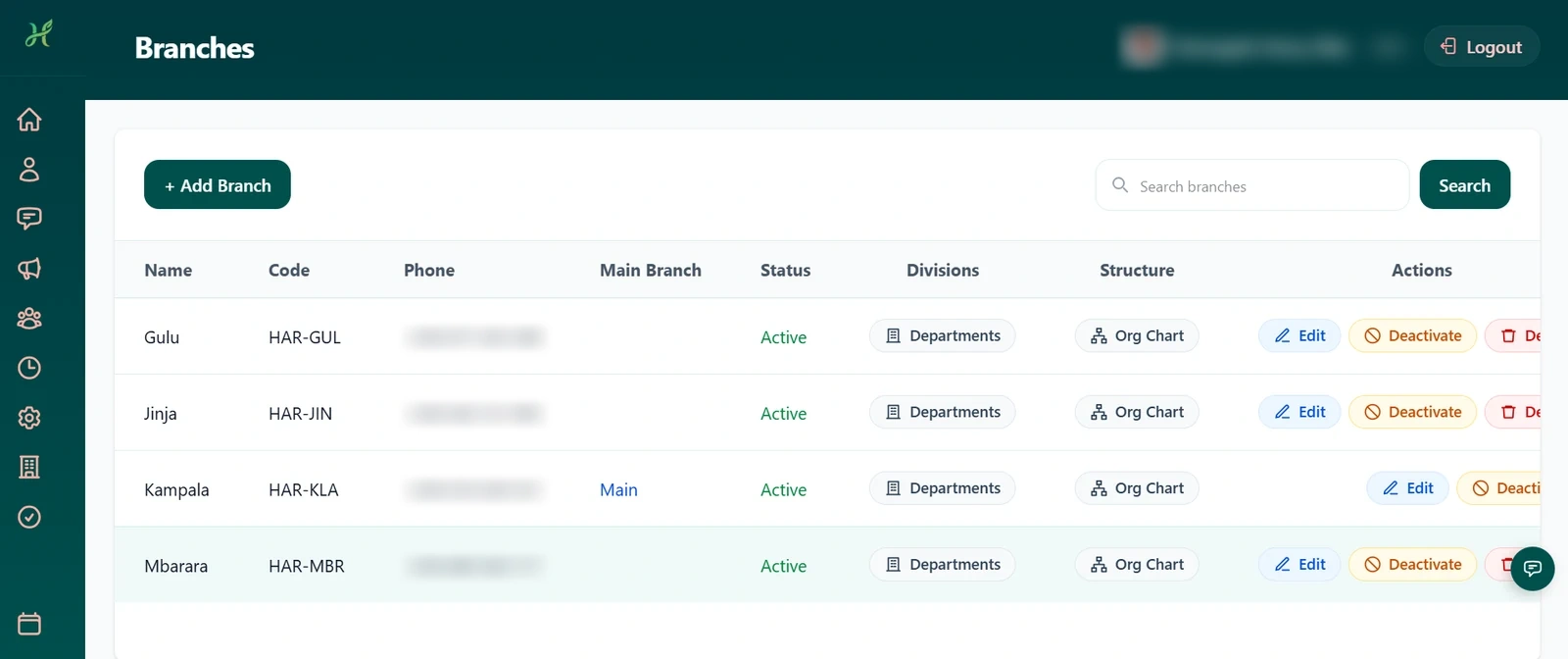
Yes. You can create several branches, keep stock for each, and move stock between them.
How do I know when stock is running low?
The Low Stock Alerts page lists what needs reordering.
Can Henora track expiry dates?
Yes. Expiry Tracking shows which goods are close to expiring so you can sell them first.
Can I send purchase orders to suppliers?
Yes. Download a purchase order as a PDF or email it directly to the supplier.
Can I record supplier invoices and payments?
Yes. Record invoices and payments against each order or supplier, and require approval before a payment is made.
What happens when goods arrive?
Open the purchase order and receive the goods. Stock updates automatically.
Reports and money
4 questionsWhat reports can I get?
Daily and monthly sales, employee performance and product sales analysis. Current stock, stock movement, stock valuation and fast and slow movers. Financial summary, profit, payments, expenses and fiscal-year reports, plus an account statement.
Can I download reports?
Yes. Reports can be downloaded as PDFs to print or share. The account statement can also be downloaded as a CSV file that opens in Excel or any spreadsheet.
Can I record expenses and other income?
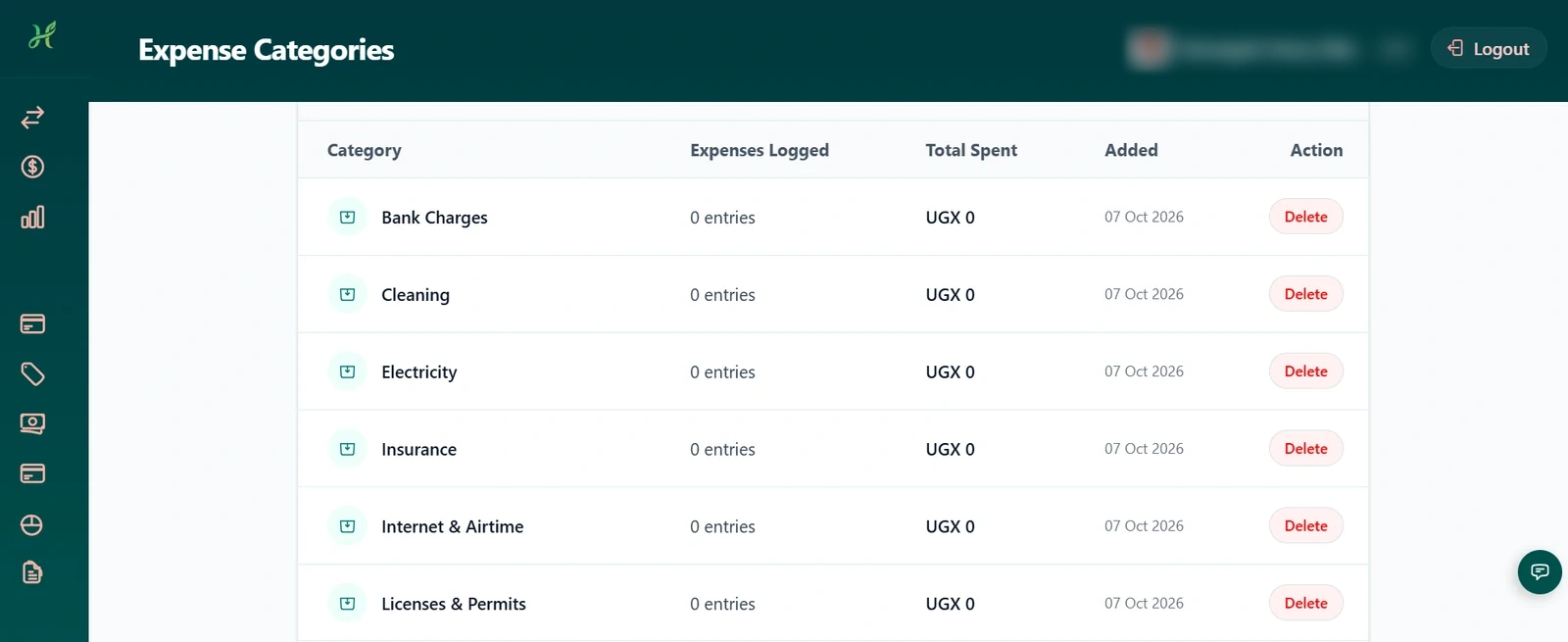
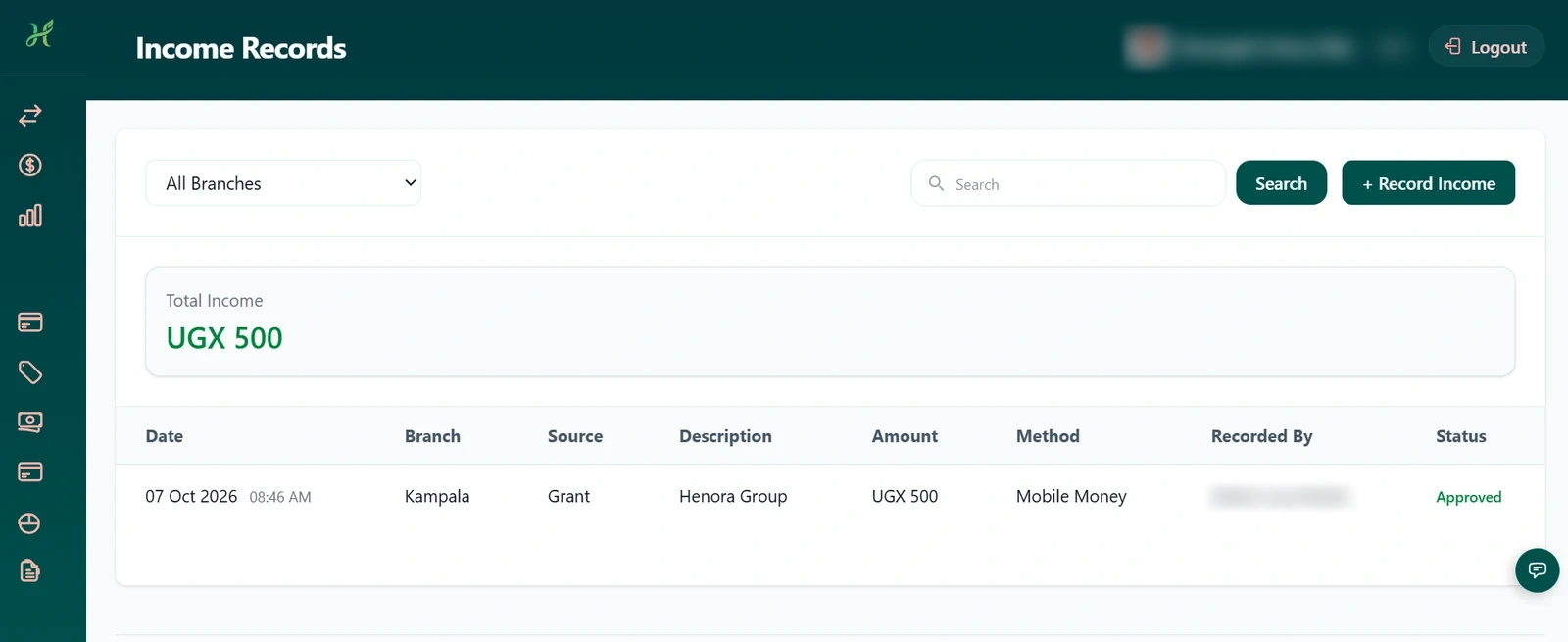
Yes. Record expenses by category and record income that is not a sale. Managers can approve or reject records, and the person who submitted them is notified.
Can I set targets for my sales team?
Yes. Set sales targets and track how each person is doing against them.
Staff, roles and security
6 questionsCan I control what each person sees?
Yes. Roles with permissions decide what each person can see and do.
Can I see who changed something?
Yes. The Activity Log records who changed what and when.
Do managers approve requests?
Yes. Leave requests, purchase requests, income and expenses, and supplier payments can go through approval, with a history of every decision.
What if someone forgets their password?
They can reset it by email or by answering their security question.
Is there a way for staff to message each other?
Yes. Staff Chat supports voice notes, files, replies, forwarding and reactions, and Announcements reach everyone in the business.
How is my information handled?
Read our privacy policy for how information is collected and used. If you have a specific question about your data, call or email us.
Help and support
3 questionsHow do I get help if I am stuck?
Send a support request from inside Henora and read our reply there, or call or email us using the details on the Contact page.
Do you help us set up?
Yes. We create your company with your details and help your team get started.
Where can I learn how to do things?
Our Tutorials page has step-by-step guides for the everyday tasks, written with the same menu names you see in the system.
No questions match your search. Try a different word, or contact us.
Still need help?
Call or email us and a real person will answer. We will gladly walk you through Henora.
Ready to run your business from one system?
Tell us about your business. We set up your business with you, you sign the agreement, and you use Henora free under the terms you agree with us.